


Thank you! Your submission has been received!
Oops! Something went wrong while submitting the form.





Your best seller sells out on Saturday morning. The ad is still running. Shoppers keep landing on a page with a grey button that says "Sold out", and they leave. Nobody left a name, so nobody hears when it's back.
A waitlist landing page is a page where shoppers who can't buy today leave their email to hear when the product is available. It turns that dead end into a list of people who already told you what they want. Here's what the page needs, how to show real demand without faking it, and when to send the email.
A shopper who reaches a sold-out product page wanted that product. That's more intent than most of your traffic shows all week.
The default Shopify product page gives them nothing to do. They can browse something else, but most won't. They came for one thing.
So the job is simple: before they leave, ask for one detail that lets you tell them when it's back.
A waitlist page can be the product page itself or a separate landing page you point the ad to. Either way, it needs four things:
What it doesn't need: a countdown, an urgency banner or a discount you'll regret. The product sold out. That's the proof that people want it.
A waitlist has a quiet strength: the people on it are real. You can say so.
If 140 people joined, you can write "140 people are waiting for the next batch" on the page, and update it when the number changes. Use your real count from the form. If it's 12, say 12, or leave the number off until it means something. Never round up and never make one up. Our guide to creating urgency in sales covers the line between real scarcity and the kind shoppers see through.
Fomo shows real activity from your store, including sign-ups and form submissions, as small notifications on the pages you choose. On a waitlist page that means a visitor sees that other people joined recently, next to the form. That answers the question every first-time visitor has: is anyone else interested in this, or am I the only one?
Fomo can also do the counting. A Custom Roundup adds up recent sign-ups into one line with the number of people who joined, and recounts it every 10 minutes. It looks back 30 days at most, so it shows recent momentum, not the whole list. Your own count on the page covers the total.
Keep it honest. Real sign-ups only, shown as they happened. A notification that names nothing reads as decoration, and a shopper who spots one fake stops believing the rest. Our post on fake social proof notifications explains what that costs.
The waitlist only pays off when you send the email. Send it the moment the product is back on the shelf, and make it short:
Send it to the waitlist segment first, before anyone else hears. They asked; they go first. If you use SmartrMail for email, you can send it to the waitlist as its own segment and keep those buyers separate for the next drop. New to SmartrMail? Install it from the Shopify App Store.
Send one reminder at most, a day or two later, only to the people who didn't open or click. Then stop.
The same page works before a product exists, too.
New stores often feel their numbers are too small to show. Social proof for new ecommerce stores covers what to show while you're starting out.
Not if the product really sold out or really isn't released yet. Fake scarcity is a timer that resets or a stock count that never moves. A waitlist for a product you can't sell today is the opposite: it tells the truth and asks people to wait.
Then you learned something cheap. A handful of sign-ups tells you how big the next batch should be. Don't show a count until it helps, and never pad it.
It doesn't have to. Early access is the reward: they hear first and buy first. If you add a discount, make it one you'd give anyway, so the list doesn't learn to wait for a code.
Yes. On Shopify, the Shopify Forms app is free, as of October 2026, and adds an email form to the page. Your email tool's own form works too. What you pay for is what comes after: showing the sign-ups and sending the email.
Every sold-out page this Black Friday is either a dead end or a list of people who want your product. Add the form, show the real people who joined, and send one honest email when it's back.
Fomo is the original social proof app. It shows real activity from your store, right where shoppers decide, and it's rated 4.5 on the Shopify App Store from 154 reviews, as of October 2026. Try Fomo for free for 14 days. No credit card required.


How social proof boosts ecommerce sales - the tactics, where to place each, and why verified proof is what actually lifts conversion.

Don't settle for mediocrity! Experience the power of Fomo and witness a significant boost in trust and conversions on your website - just like 3500+ other businesses!
Try fomo for free now
Don't settle for mediocrity! Experience the power of Fomo and witness a significant boost in trust and conversions on your website - just like 3500+ other businesses!
Try fomo for free now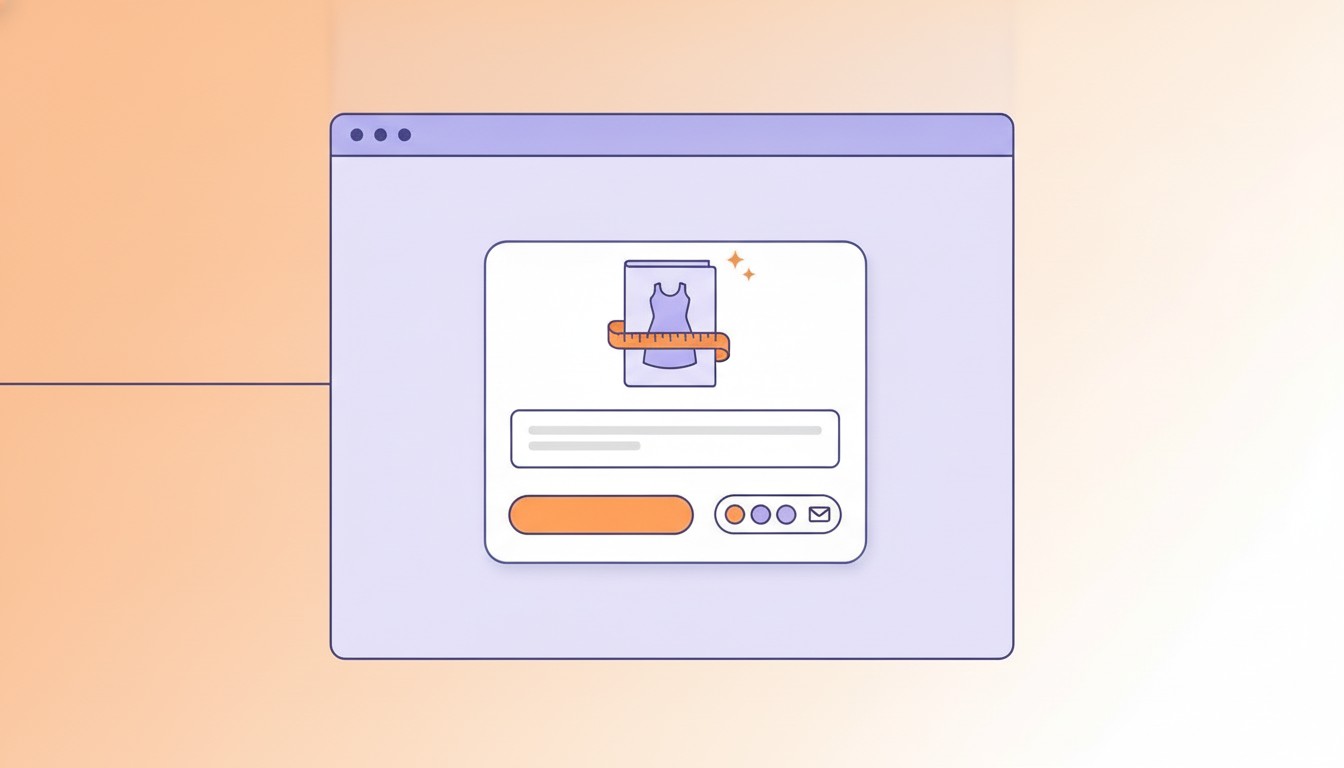
Nobody signs up for "updates" from a store they just found. 9 lead magnet examples built for ecommerce, the page each fits, and how to show who took it.
Don't settle for mediocrity! Experience the power of Fomo and witness a significant boost in trust and conversions on your website - just like 3500+ other businesses!
Try fomo for free now

Boost your sales and conversion with Social Proof
Try Fomo for free*No credit card required